

No account, ads, behavioral analytics, cloud dependency, or subscription. Saved work stays on your device until you export it.
NFC Studio for iPhone
The private NFC toolkit for iPhone.
Read and identify compatible tags, write byte-perfect NDEF records, program CSV batches, validate inventory, and inspect advanced tag data—all locally.
FreeNo account, ads, or subscriptionOffline-first and on-device
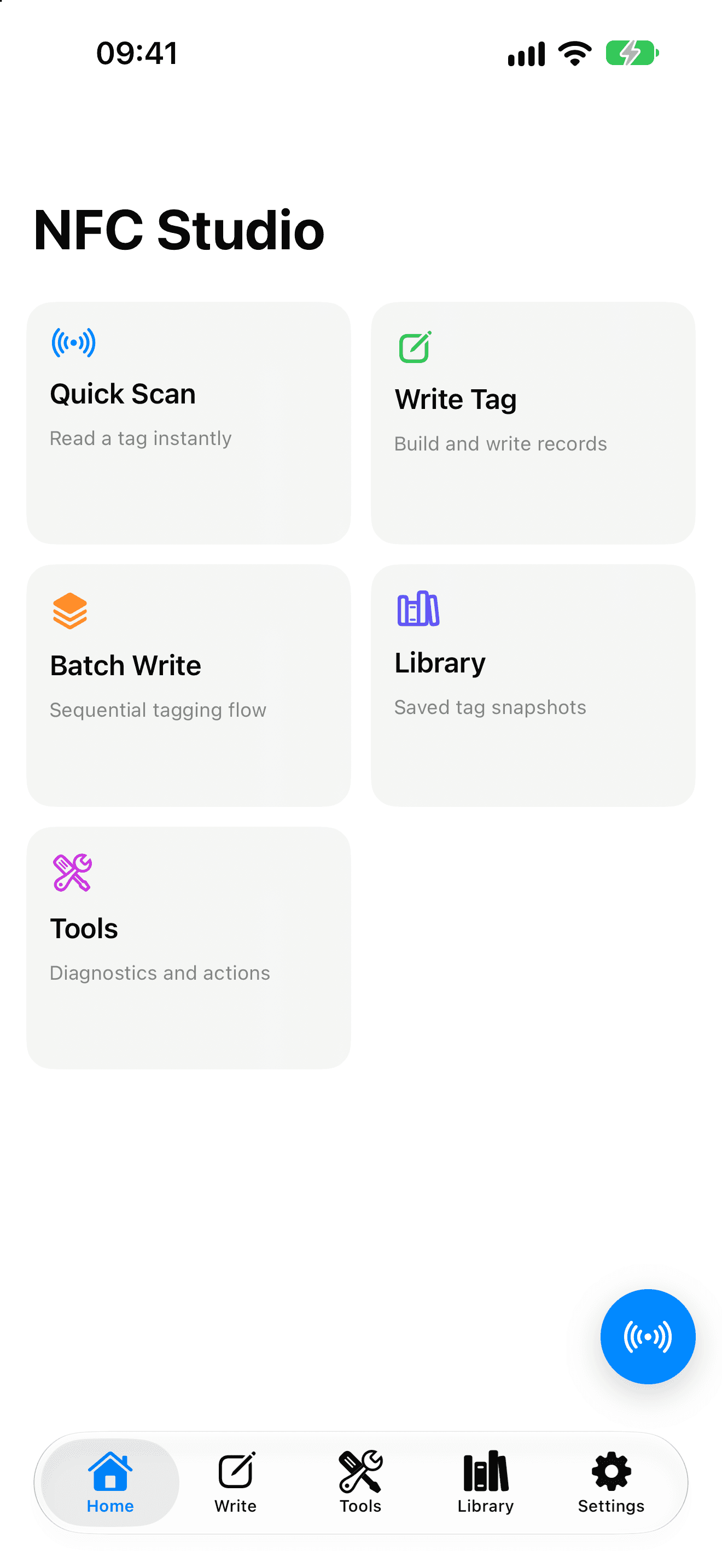
01 / Quick Scan
See what is on a tag before you act.
Quick Scan separates parsed NDEF records from tag details, so content, hardware, protection, and write status are visible in one pass.
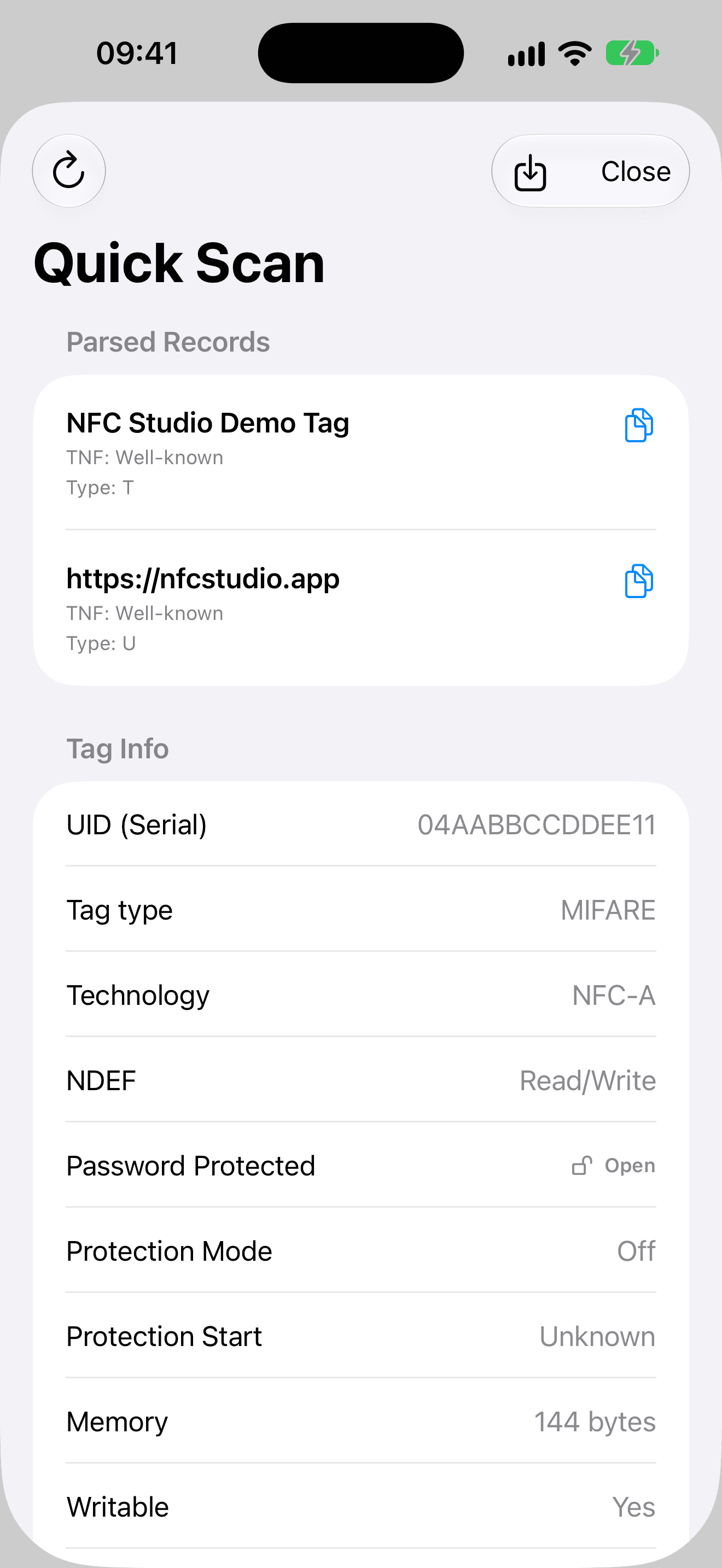
- Parsed content
- Read text, links, and other supported NDEF records.
- Tag details
- Inspect UID, technology, capacity, and writable status.
- Next step
- Copy content, add the tag to inventory, or write it again.
02 / Write
Compose the records, then write.
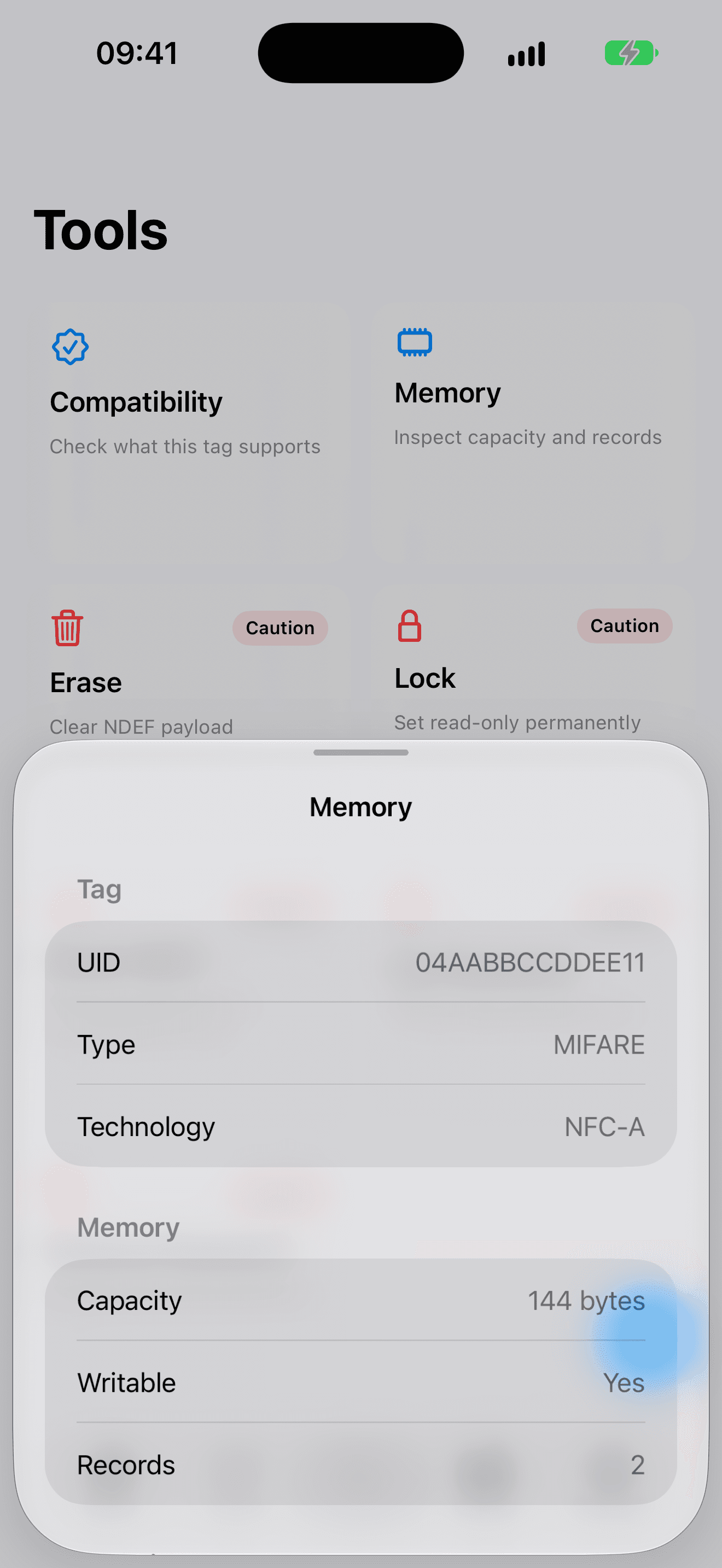
Queue structured records, see the exact byte requirement, and read the tag back field by field after writing.
Record builder
Combine multiple records in a single write.
Verification
Compare every record field after writing—not just a success callback.
Supported records
Text, URL, email, phone, SMS, vCard, location, Wi-Fi, Bluetooth, and custom raw data.
03 / Tools
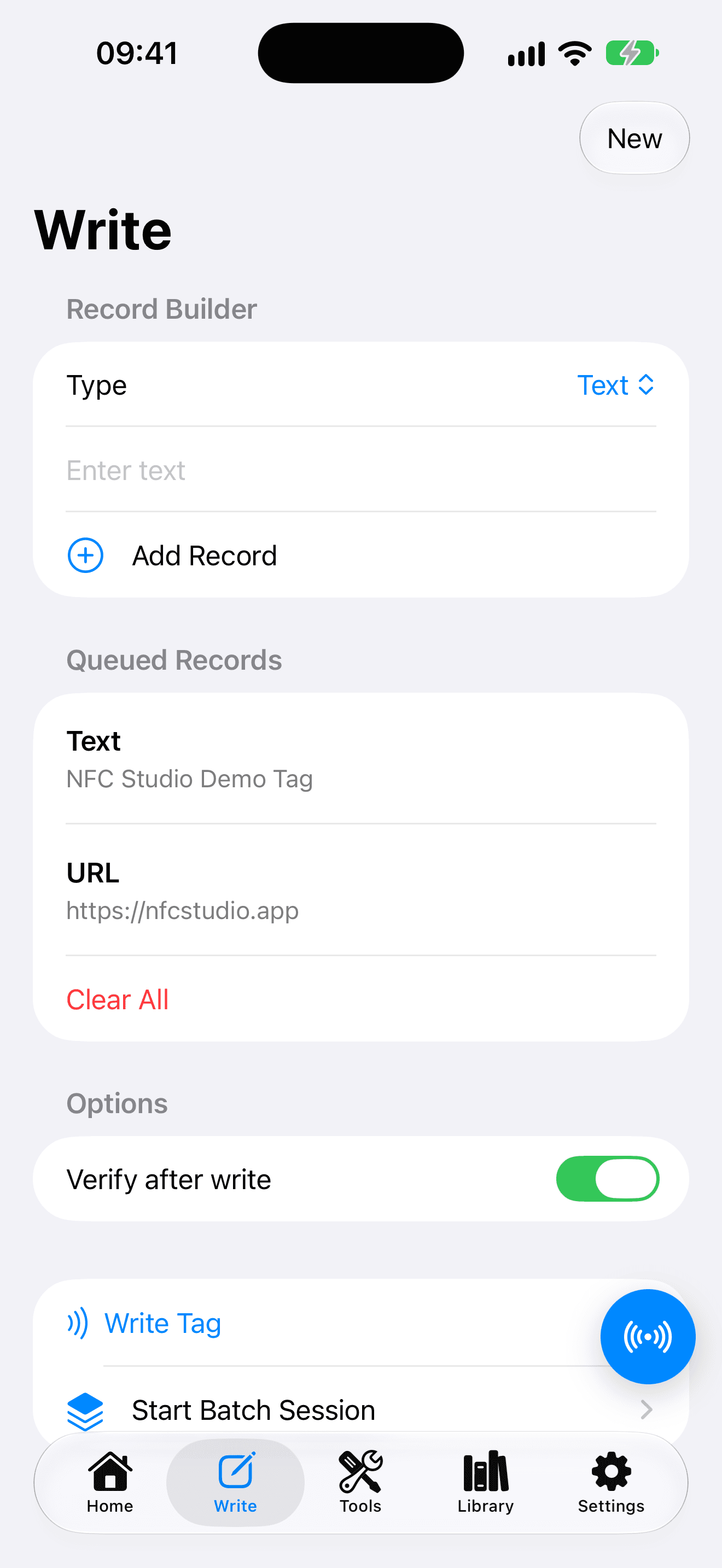
Inspect exactly what iPhone exposes.
Visualize NDEF byte ranges, inspect verified NTAG memory maps, verify NTAG 424 SUN messages, and gate raw commands behind Expert Mode.
- Compatibility
- Memory
- Erase
- Lock
- Reset NDEF
- Password actions
- NDEF visualizer
- Raw commands
Destructive actions are confirmed. Password and AES key bytes are never shown in memory maps or diagnostics.
04 / Batch
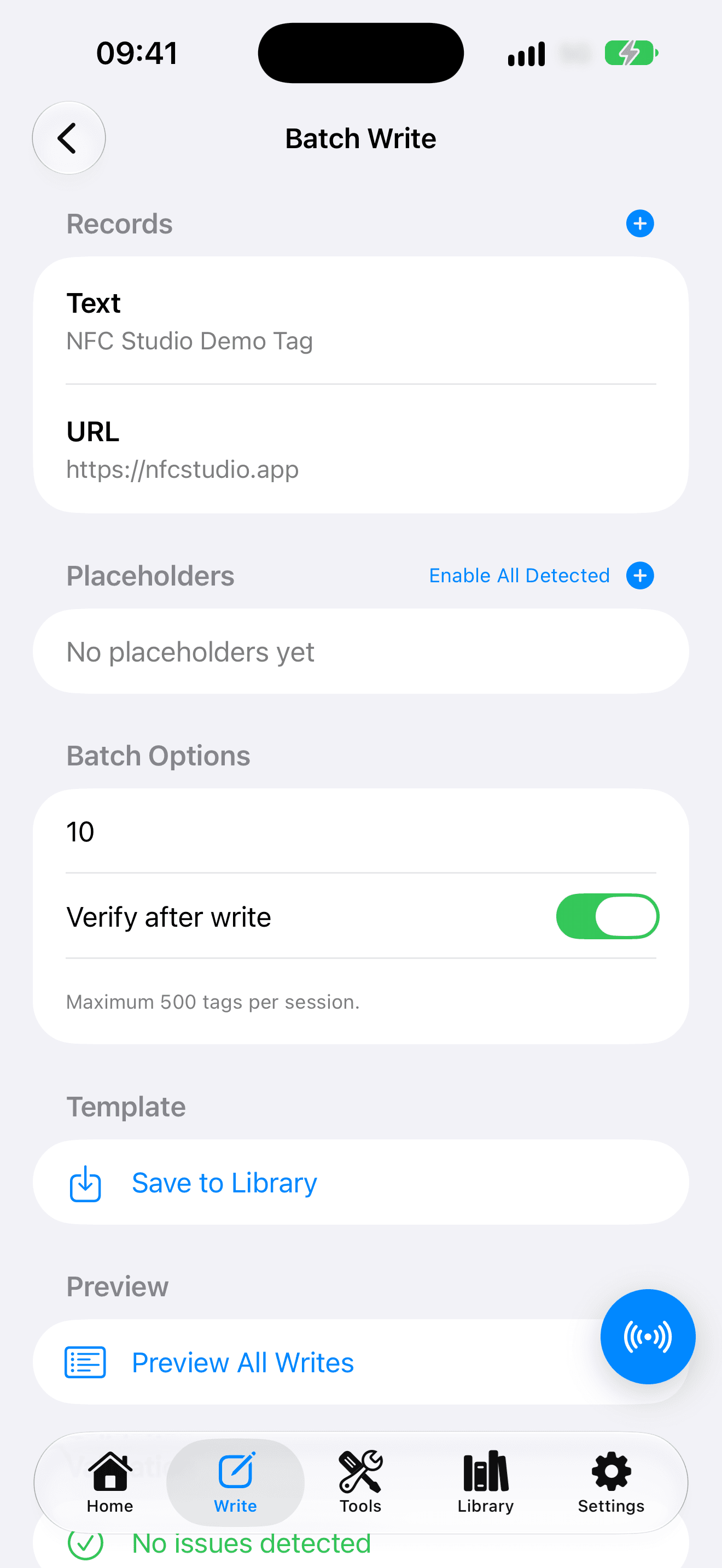
Program a traceable batch from CSV.
Map CSV columns to placeholders, preview every payload, reject duplicate or source tags, and resume interrupted sessions without rewriting completed rows.
- 01Configure
Add records, import RFC 4180 CSV, and map placeholders.
- 02Preview
Review generated values before touching a tag.
- 03Write and verify
Move through tags with UID and verification safeguards.
- 04Export
Save outcomes as CSV or JSON.
05 / Library
Track projects, inventory, and proven setups.
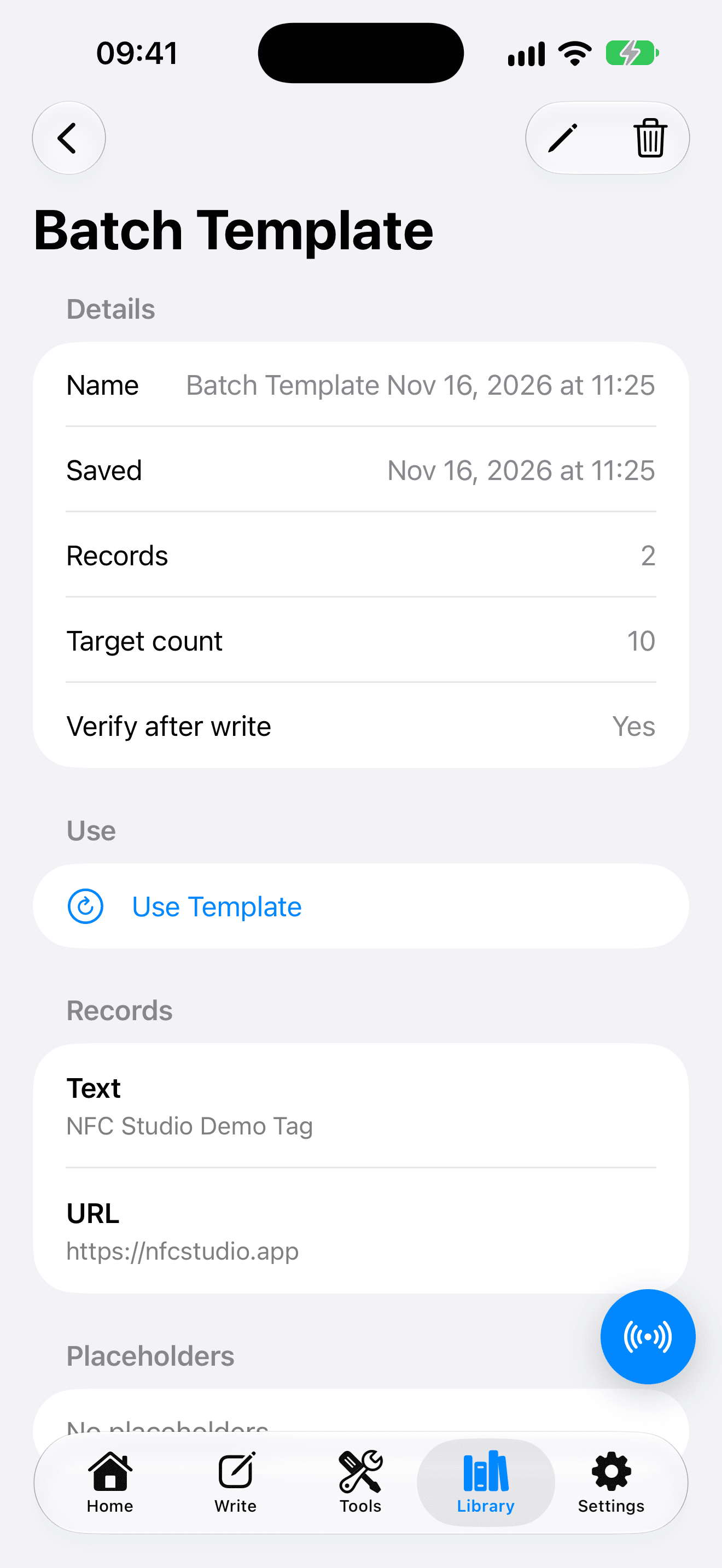
Organize tag inventory, expected payloads, scans, recipes, batch templates, and audit history without creating an account.
Inventory
Associate tags with projects and validate expected content.
Reusable work
Reuse records, recipes, target counts, and placeholder rules.
Auditable history
Keep local scan and batch outcomes with redacted exports.
Private by design
Useful offline. Honest about iPhone.
Shortcuts, widgets, sharing, and Control Center open an interactive scan in NFC Studio. They do not perform background NFC.
NFC Studio does not clone payment or access cards, read MIFARE Classic memory, support every RFID frequency, or universally format proprietary chips.
The complete toolkit
Every NFC Studio feature is included.
No feature tiers, account setup, ads, or subscription. Download the app and start with a compatible NFC Forum tag.
